
Unlimited Themes – Change anytime

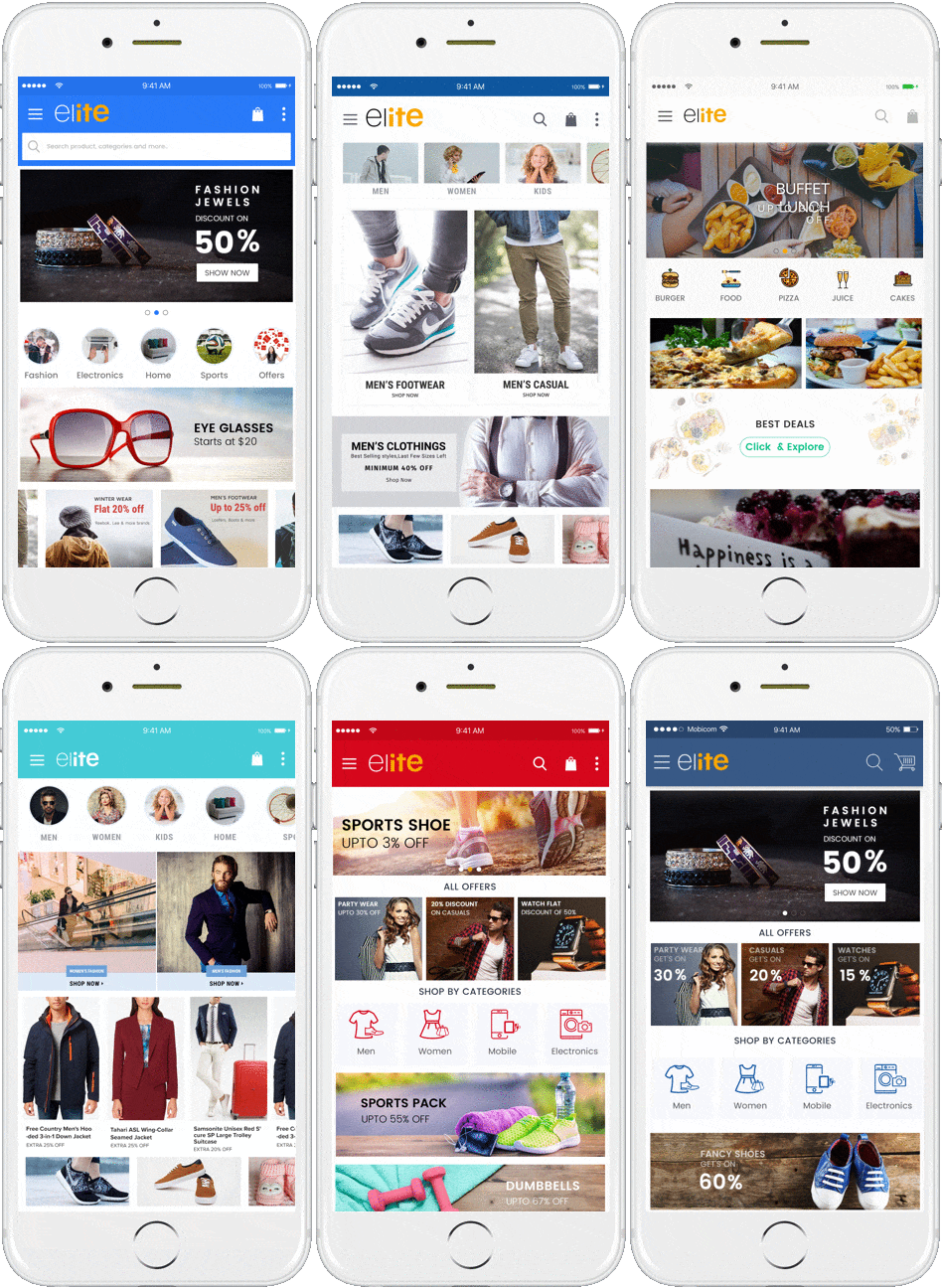
Multiple Home Page Layouts
Translate into your own language
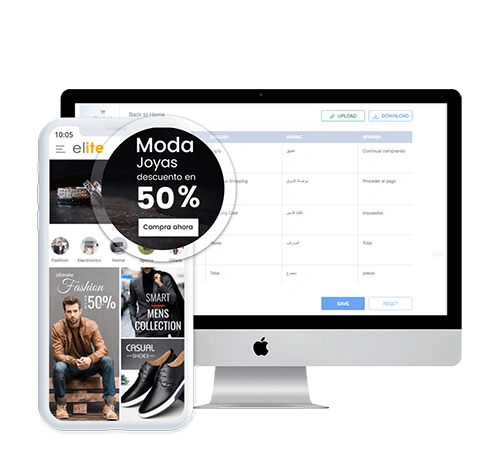
View your mobile application in your own native language. Web App gives you an option to change the language of the home page for your mobile application. You can also change or edit the text from the translator page in the Web App from the backend.
Add Your Own Logo
We build the applications but they belong to you. The applications are completely white labelled. Change logos real-time whenever you want and to whatever you want. You do not have to re-submit your applications.
Manage Your Own Elements
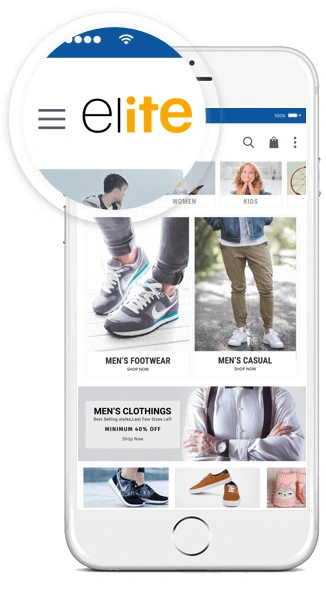
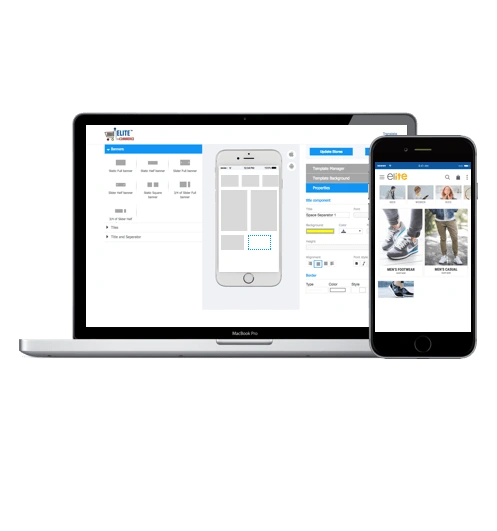
Play around with different elements in your homepage of the mobile application with the Web App. Just drag and drop the element in the right position of your choice. Add a text of your choice and manage the look and feel of it by giving a cool font style and color. Add a fancy banner to the homepage and link it to the products or categories or search results. Yes, you do not have to re-submit the applications.
Why Unlimited Themes Matter for Your Mobile Commerce App
In mobile commerce, your home page is your storefront. Customers decide within seconds whether to stay or leave, so being able to change how your app looks without waiting for an app store review is a real advantage. With Elite mCommerce, you can refresh your app’s look and feel whenever your business needs it, with no developer involvement and no new app release.
Seasonal and Festival Campaigns
Running a Black Friday sale, a Diwali offer, or a summer collection launch? Create a dedicated home page layout for each campaign in advance, then activate it with a single click when the time comes. When the campaign ends, switch back to your regular theme instantly.
Test Layouts and Improve Conversions
Because you can save multiple layouts, you can try different arrangements of banners, featured categories, and product carousels. Compare how each one performs and keep the layout that drives more orders and a higher average order value.
Consistent Branding Across Every Update
All changes, including logos, colors, fonts, and banners, are reflected in your mobile app in real time. Your brand stays consistent across the app, website, and marketing campaigns, and your customers always see the latest version.
Frequently Asked Questions
Do I need to resubmit my app to the App Store or Google Play after changing a theme?
No. Theme, logo, language, and layout changes are made from the Web App backend and appear in your live app automatically.
How many home page layouts can I create?
You can create and save as many layouts as you need and activate any of them at any time.
Can I use the app in a language other than English?
Yes. You can translate the home page text and edit it from the translator page in the Web App backend, so customers see the app in their own language.
Do I need technical skills to manage elements?
No. The drag-and-drop editor lets you place banners, text, and product sections wherever you want without writing any code.